Powerful Time Tracking Features
Everything you need to track hours, manage projects, and get paid. From one-tap clock-in to detailed reports, Work Counter has you covered.
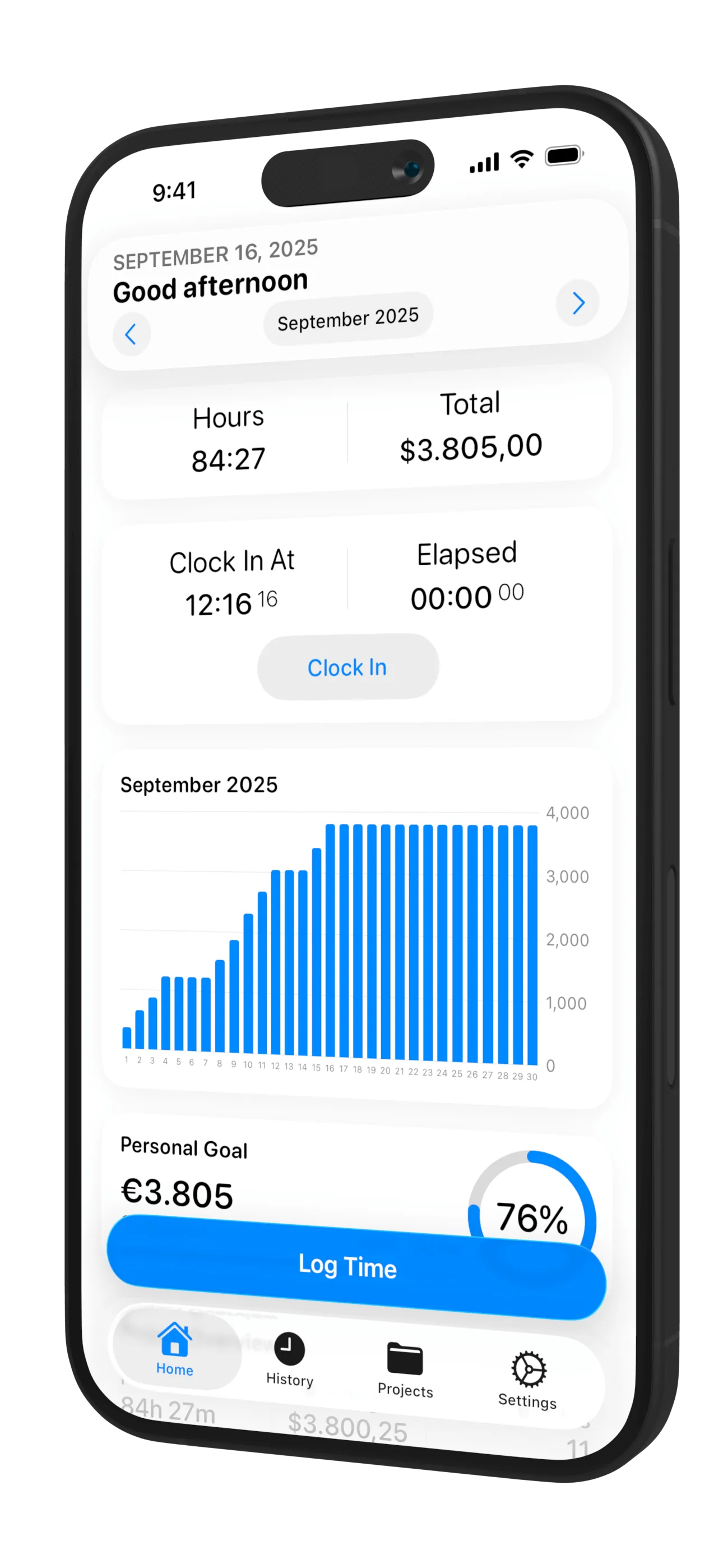
Track Your Hours Instantly
Clock in and out with a single tap, or add hours manually for missed entries. Work Counter automatically calculates your work hours, breaks, and earnings in real-time.
One-Tap Clock In/Out
Start and stop tracking instantly
Manual Entry
Add or edit hours anytime
Auto-Calculate Earnings
See your income in real-time
Add Notes
Document what you worked on
Organize Work by Projects
Create unlimited projects, tasks, and clients. Assign different hourly rates per project, track time by location or person, and keep everything organized for accurate invoicing and accounting.
Unlimited Projects
Organize by client, project, and task
Custom Rates
Different hourly rates per project
Track by Location
Link hours to specific locations
Team Support
Track time for multiple people
Flexible Rate Management
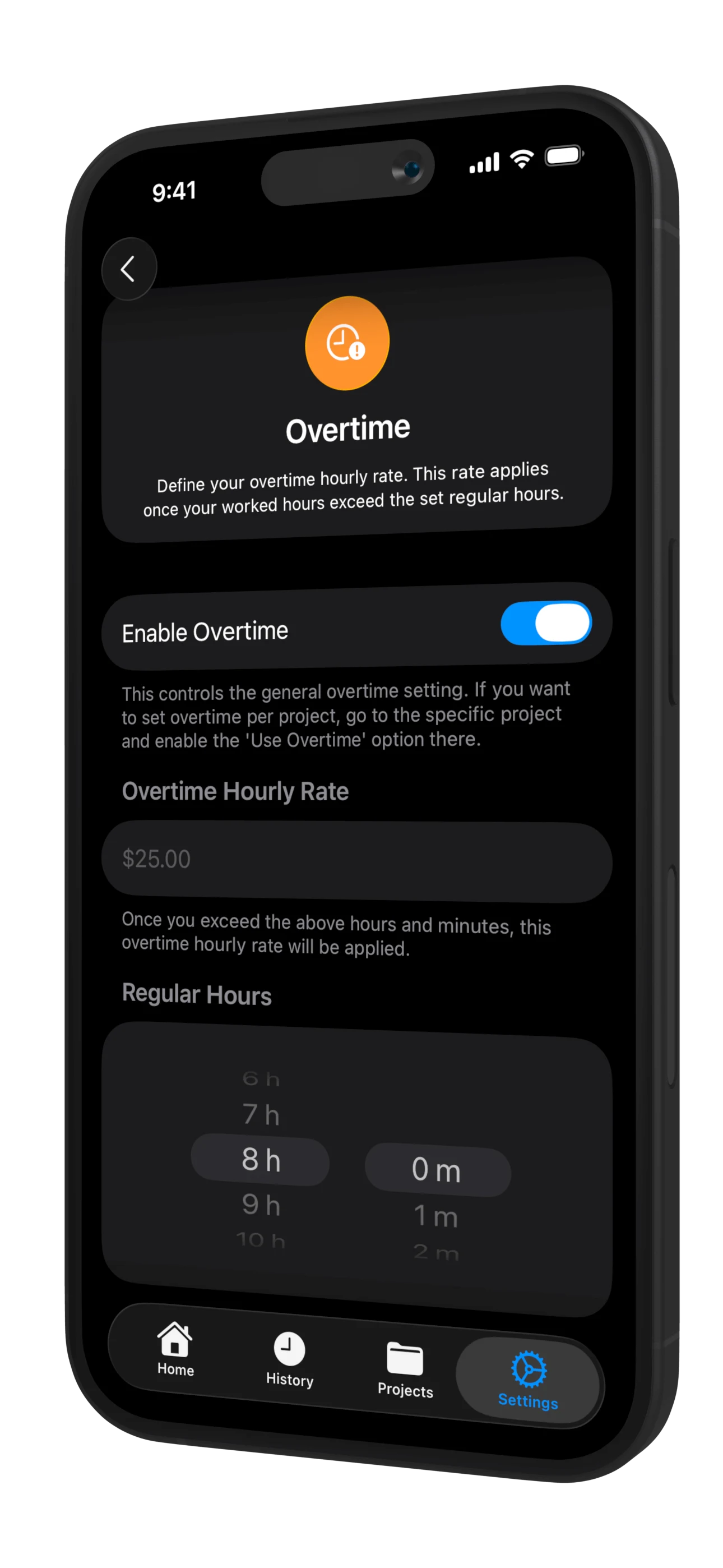
Set different hourly rates per day, week, project, or client. Work Counter automatically calculates overtime based on your configured rules and applies the correct rates.
Auto Overtime
Detects and calculates overtime automatically
Multiple Rates
Different rates per day or weekday
Travel Expenses
Track mileage and trip expenses
Weekly/Monthly Summaries
View earnings by period

Visualize Your Work Data
Get detailed insights with charts and statistics. View your work hours, earnings, and project breakdowns over time. Beautiful graphs make it easy to understand your productivity patterns.
Charts & Graphs
Visual breakdown of hours and earnings
Period Summaries
Daily, weekly, monthly, or yearly views
Project Breakdown
See time distribution across projects
Custom Filters
Filter by project, person, or date range
Export Data for Invoicing & Accounting
Export your time entries to PDF, CSV, or Excel format. Perfect for invoicing clients, accounting, payroll administration, or tax purposes. Edit your history anytime to correct mistakes.
Multiple Formats
Export to PDF, CSV, and Excel
Editable History
Correct entries anytime
Invoice Ready
Professional reports for clients
Date Range Export
Export specific periods or projects
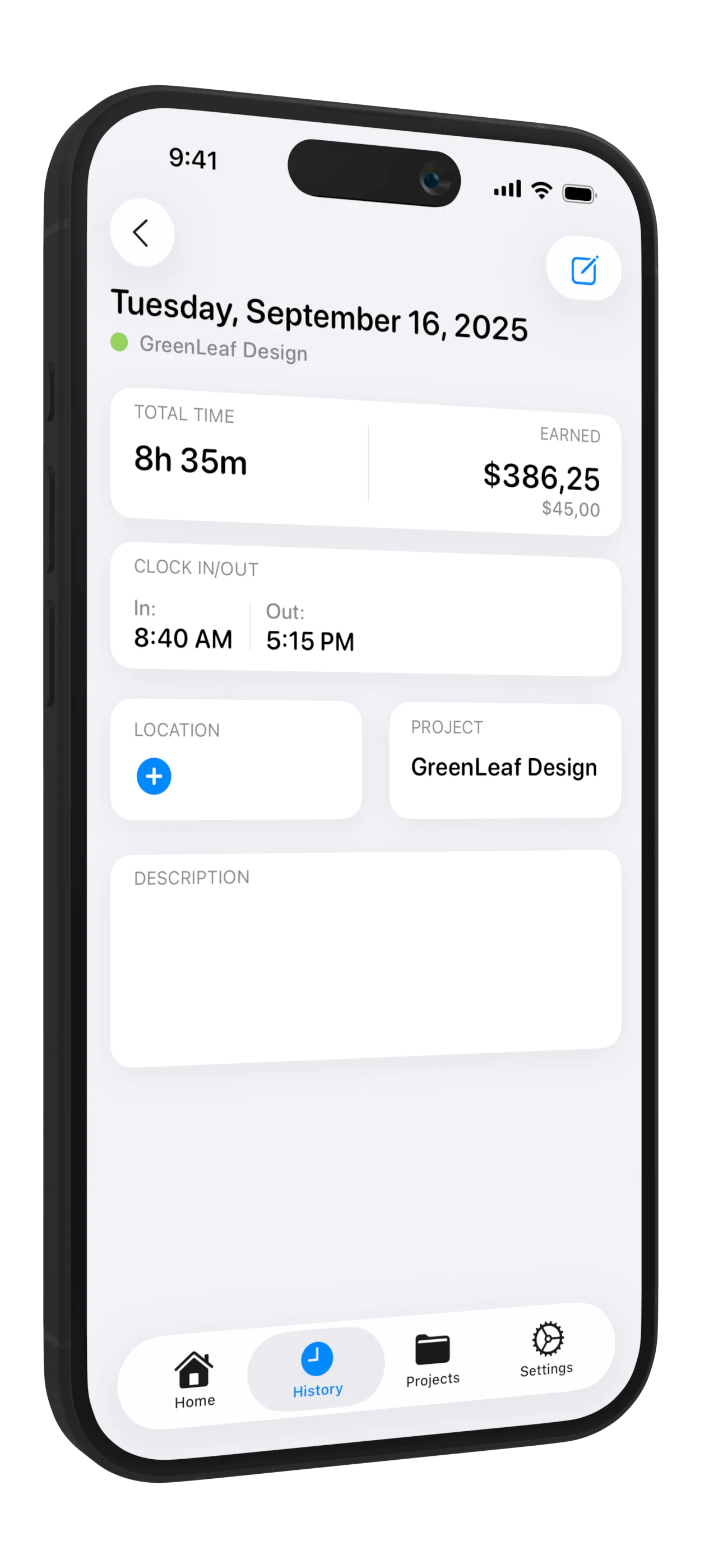
Adapt to Your Workflow
Work Counter supports multiple languages and offers extensive customization options. Choose your theme, configure your dashboard, and set up the app exactly how you want it.
Multilingual
Available in multiple languages
Theme Options
Light, dark, and automatic modes
Dashboard Setup
Configure widgets and quick actions
Default Settings
Set preferred rates and work hours
Designed for iPad
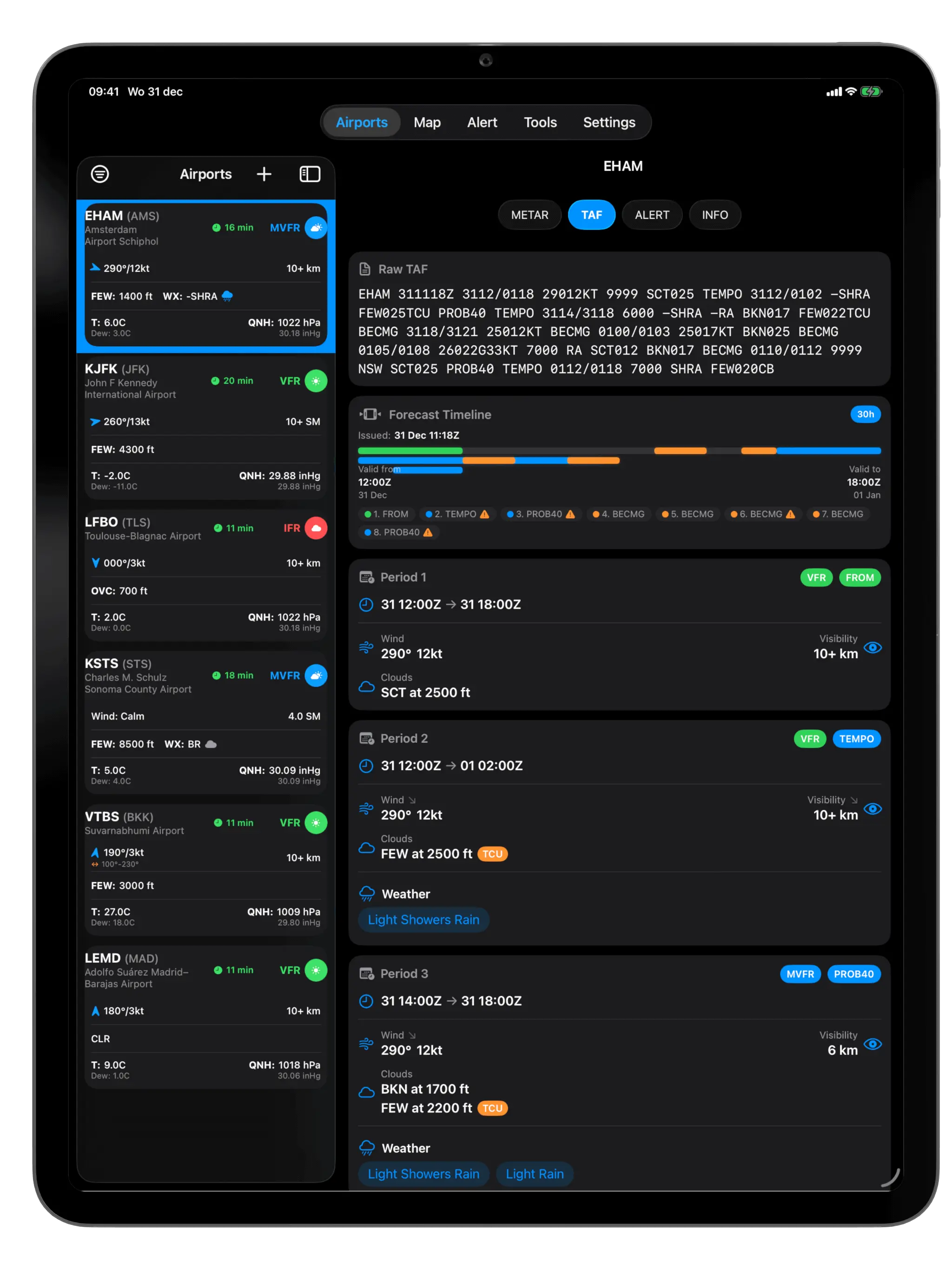
Experience Work Counter on the big screen. The iPad version offers an enhanced interface with split-view support, perfect for managing multiple projects and viewing detailed reports.
Split View Support
View timesheets and reports side-by-side
Larger Display
More data visible with optimized layouts for productivity
Seamless Sync
All your time entries synced across iPhone and iPad
Klaar om te beginnen?
Sluit je aan bij duizenden professionals die Uren Tracker gebruiken om hun werkuren bij te houden.